Phone keeps restarting on its own?
A phone that restarts by itself can have a software problem, a weak battery or a hardware fault. The pattern matters: when it restarts and what you were doing are useful clues.
Written by Zojari technicians with 12+ years of phone repair experience
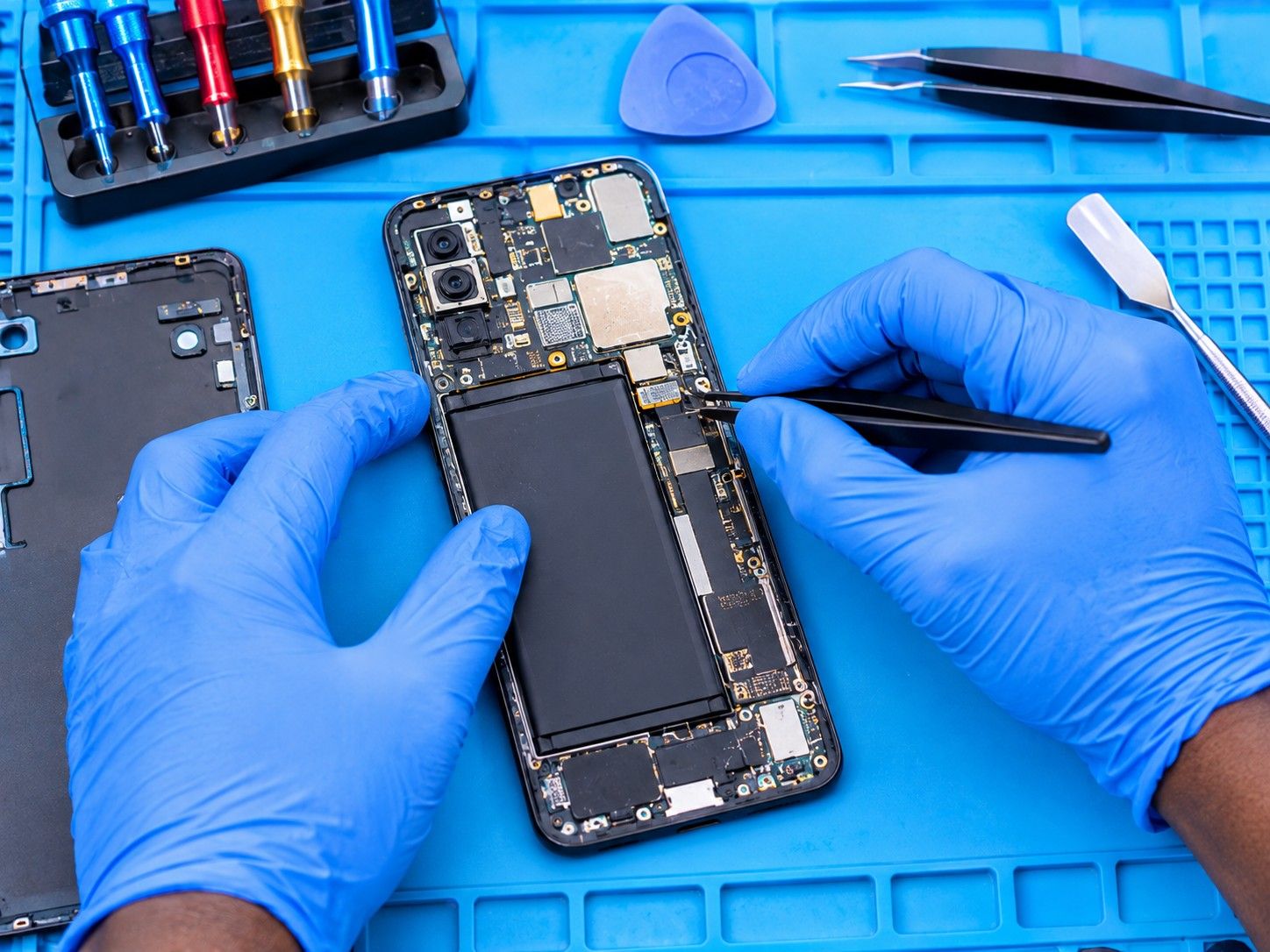
Signs you may notice
- Restarts while you are using it, often under load (camera, games, calls)
- Gets stuck on the brand logo and restarts again (boot loop)
- Switches off at 20–30% battery
- Restarts more often when warm
Safe checks to try first
- Check that at least 10–15% of the storage is free. A completely full phone can become unstable.
- Install pending system updates, and update or remove any app you installed just before the problem started.
- Remove the memory card, if you have one, and see if the restarts stop.
- Note when it happens: on charge, in the cold, when hot, or with a particular app. Tell the technician.
Stop and bring it in if…
- It's stuck in a boot loop and won't stay on long enough to back up
- It restarts after a drop or after getting wet
- The phone feels hot when idle or the back is bulging
What usually causes it
One symptom can have several causes. These are the most common ones.
Software or update fault
A corrupted update or a misbehaving app can crash the system.
Worn battery
An old battery can't supply enough power under load, so the phone shuts down to protect itself.
Stuck power button
A damaged or dirty power button can be read as constant presses.
Overheating
Heat from a failing component or blocked cooling can trigger shutdowns.
Board-level fault
A loose or failing component on the main board, often after a fall or liquid exposure.
What our technicians do
We first work out whether the fault is software or hardware: we check the battery's health and power draw, test the power button, and see whether the phone is stable in recovery mode. Software faults can often be fixed without losing data; where a reset is needed, we tell you first.
Request a quotationCommon questions
Will fixing a boot loop erase my data?
Not always. Some software repairs keep your data; others require a full reset. We explain which applies before we start, so try to back up if the phone stays on long enough.
Is a factory reset a guaranteed fix?
No. A reset only fixes software causes. If the battery or a hardware part is at fault, the restarts will continue, which is why we diagnose first.
Other repair guides
- Phone not charging or charging very slowly?Phone doesn't respond when plugged in · Cable only works when held at an angleRead the guide
- Phone dropped in water or had a drink spilled on it?Phone switched off or won't turn on after getting wet · Lines, spots or flicker on the screenRead the guide
- No network, no service or SIM not detected?'No service' or 'Emergency calls only' · 'No SIM' or 'Invalid SIM'Read the guide
- Screen stays black during calls, or you hang up with your cheek?Screen stays black during a call and you can't hang up · Your cheek mutes or ends callsRead the guide
- Callers can't hear you, or you can't hear them?Callers say you sound far away or can't hear you · You can only hear callers on loudspeakerRead the guide
- Phone won't turn on at all?Nothing happens when you press the power button · No charging sign when plugged inRead the guide
Your Device Deserves Expert Care.
Over 12 years of phone repair experience in Kampala. Tell us what’s wrong and a technician will recommend the right repair. No fix, no fee.