How to prepare your phone for repair
Ten minutes of preparation protects your data, speeds up the repair and helps us test your phone properly before you get it back. Here is what to do before you drop it off, hand it to our rider or meet our technician.
Written by Zojari technicians with 12+ years of phone repair experience
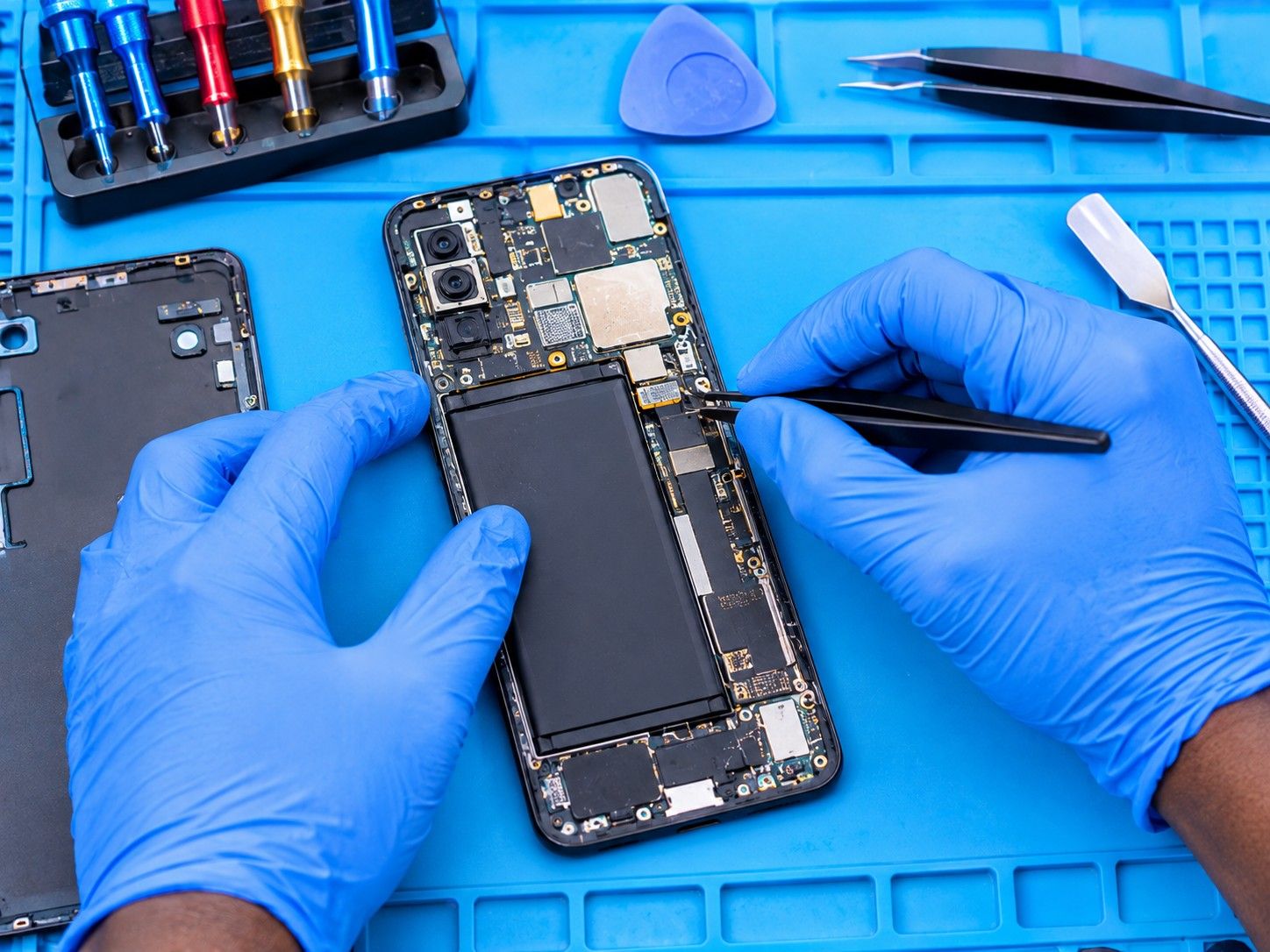
Do these first
- Back up your photos, contacts and WhatsApp chats if the phone still works
- Remove your SIM card and memory card and keep them with you
- Take off the case and screen protector so we can see all the damage
- Charge the phone if it still charges
- Write down when the fault happens: on calls, when hot, after a drop
- Bring the charger and cable if the fault is about charging
How to back up
- Android: Settings > Google > Backup, then tap Back up now. Photos back up through Google Photos.
- iPhone: Settings > your name > iCloud > iCloud Backup, then Back Up Now. Use Wi-Fi.
- Samsung: Settings > Accounts and backup > Back up data, or Samsung Smart Switch on a computer.
- WhatsApp: Settings > Chats > Chat backup, then Back up. Turn on Include videos if you need them.
- No internet bundle for a big backup? Copy photos to a computer with a USB cable.
Skip the backup and tell us if…
- The phone is swollen, hot or smells of burning: switch it off and don't charge it
- The phone got wet: switch it off now and don't try to back it up
- The screen is so broken that using it could cut your fingers
- The phone keeps restarting while you try to back up
Your passcode, your choice
We need to test the parts we repair, such as the touchscreen, cameras and calls. You can choose how.
Share your passcode
The quickest option. We use it only to test the phone and don't open your apps, photos or messages.
Set a temporary passcode
Change your passcode to a simple temporary one before handing the phone over, then change it back when you collect it.
Test it together
Keep your passcode. We test with you present at collection or during an onsite repair, or test only the parts that work on the lock screen.
What we do with your phone and data
Your phone is logged against a job number when we receive it, so it can't be mixed up with another. Most repairs don't touch your data, but no repair can guarantee it, which is why we ask you to back up. We never copy, browse or delete your data, and we don't factory-reset a phone without asking you first. When you collect, check your phone with us before you leave.
Request a quotationCommon questions
Do I have to remove my SIM card?
Yes, unless the fault is with the SIM or network. Keep it with your ID so you can use it in another phone while yours is repaired.
Should I turn off Find My iPhone or Find My Device?
Not for most repairs. For some iPhone repairs, Apple's parts process may need it off; we tell you if that applies to your repair.
My phone won't turn on. What should I do?
Nothing more than the steps you can still do: remove the SIM and memory card, note what happened before it died, and bring it in. We often recover data from dead phones.
Other repair guides
- Phone not charging or charging very slowly?Phone doesn't respond when plugged in · Cable only works when held at an angleRead the guide
- Phone keeps restarting on its own?Restarts while you are using it, often under load (camera, games, calls) · Gets stuck on the brand logo and restarts again (boot loop)Read the guide
- Phone dropped in water or had a drink spilled on it?Phone switched off or won't turn on after getting wet · Lines, spots or flicker on the screenRead the guide
- No network, no service or SIM not detected?'No service' or 'Emergency calls only' · 'No SIM' or 'Invalid SIM'Read the guide
- Screen stays black during calls, or you hang up with your cheek?Screen stays black during a call and you can't hang up · Your cheek mutes or ends callsRead the guide
- Callers can't hear you, or you can't hear them?Callers say you sound far away or can't hear you · You can only hear callers on loudspeakerRead the guide
Your Device Deserves Expert Care.
Over 12 years of phone repair experience in Kampala. Tell us what’s wrong and a technician will recommend the right repair. No fix, no fee.