Callers can't hear you, or you can't hear them?
Phones have several speakers and microphones, each used for different things. Working out which one has failed narrows down the repair quickly.
Written by Zojari technicians with 12+ years of phone repair experience
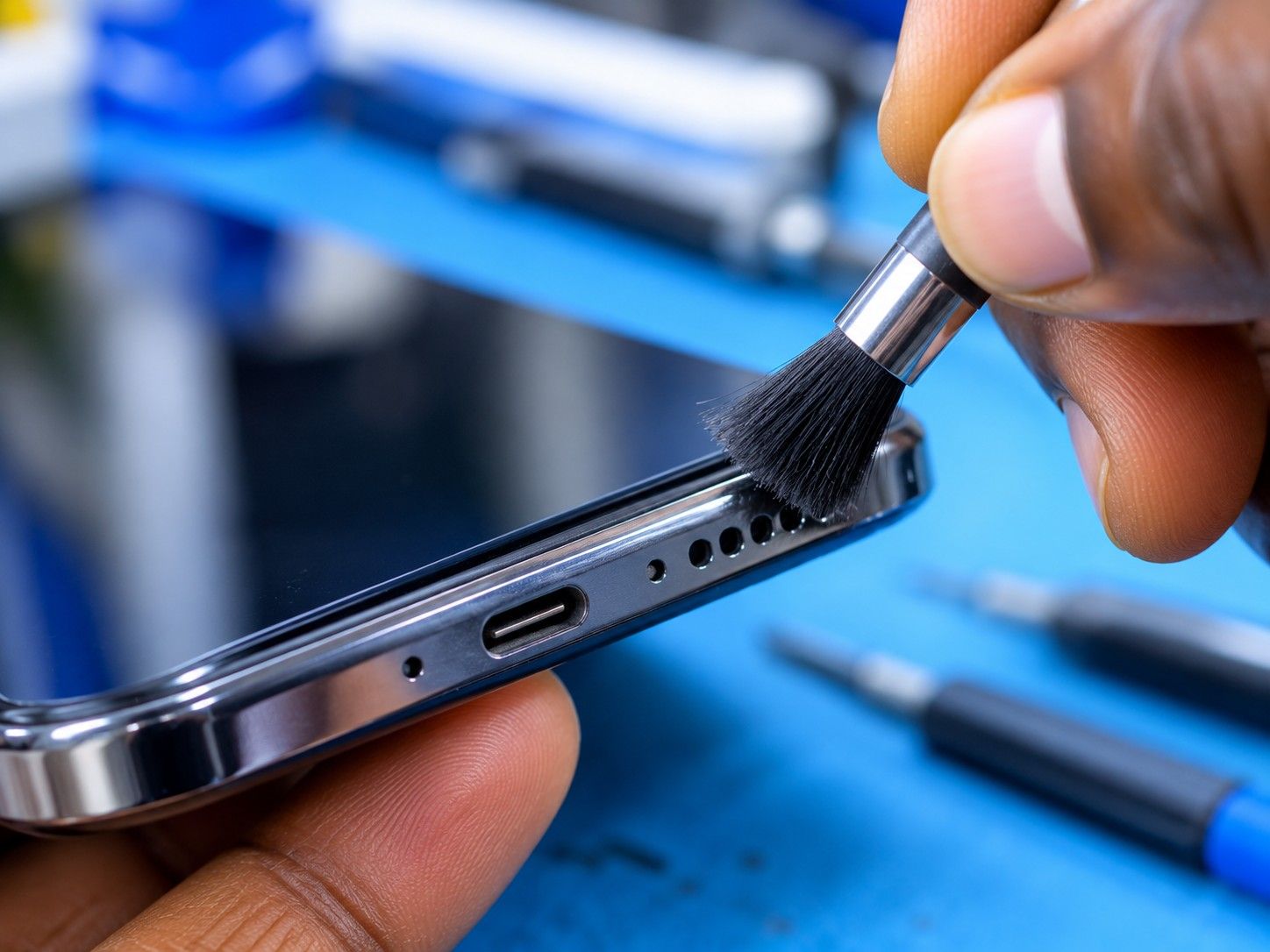
Signs you may notice
- Callers say you sound far away or can't hear you
- You can only hear callers on loudspeaker
- Sound is crackly, distorted or very quiet
- Voice notes or videos record no sound
Safe checks to try first
- Remove the case and screen protector. They can block microphone or speaker holes.
- Disconnect Bluetooth headphones, earbuds and car kits; the phone may be sending sound to them.
- Record a voice note and play it back. This tests the main microphone and speaker without a network.
- Make a test call on loudspeaker and in normal mode to find which part is affected.
- Restart the phone.
Stop and bring it in if…
- The phone got wet recently
- Sound is crackling or buzzing (the speaker may be damaged)
- Don't push pins or needles into speaker or microphone holes. This damages the mesh and the parts behind it.
What usually causes it
One symptom can have several causes. These are the most common ones.
Blocked grilles
Dust, lint or a case covering the holes.
Damaged speaker or earpiece
From drops, liquid or long use at high volume.
Failed microphone
Phones use separate microphones for calls, video and noise cancelling.
Charging port board
On many phones the main microphone sits on the same small board as the charging port.
Audio circuit fault
Less commonly, a fault on the main board.
What our technicians do
We test each speaker and microphone separately, clean the grilles properly, and inspect the parts and connectors. Then we recommend the specific part that has failed, not a bundle of replacements.
Request a quotationCommon questions
Why would a charging port repair fix my microphone?
On many Android phones the main microphone is mounted on the same small board as the charging port, so replacing that board fixes both.
Other repair guides
- Phone not charging or charging very slowly?Phone doesn't respond when plugged in · Cable only works when held at an angleRead the guide
- Phone keeps restarting on its own?Restarts while you are using it, often under load (camera, games, calls) · Gets stuck on the brand logo and restarts again (boot loop)Read the guide
- Phone dropped in water or had a drink spilled on it?Phone switched off or won't turn on after getting wet · Lines, spots or flicker on the screenRead the guide
- No network, no service or SIM not detected?'No service' or 'Emergency calls only' · 'No SIM' or 'Invalid SIM'Read the guide
- Screen stays black during calls, or you hang up with your cheek?Screen stays black during a call and you can't hang up · Your cheek mutes or ends callsRead the guide
- Phone won't turn on at all?Nothing happens when you press the power button · No charging sign when plugged inRead the guide
Your Device Deserves Expert Care.
Over 12 years of phone repair experience in Kampala. Tell us what’s wrong and a technician will recommend the right repair. No fix, no fee.