Phone battery draining fast?
Fast battery drain is either a software problem (something keeping the phone busy) or a worn battery. Checking which takes a few minutes and can save you a repair.
Written by Zojari technicians with 12+ years of phone repair experience
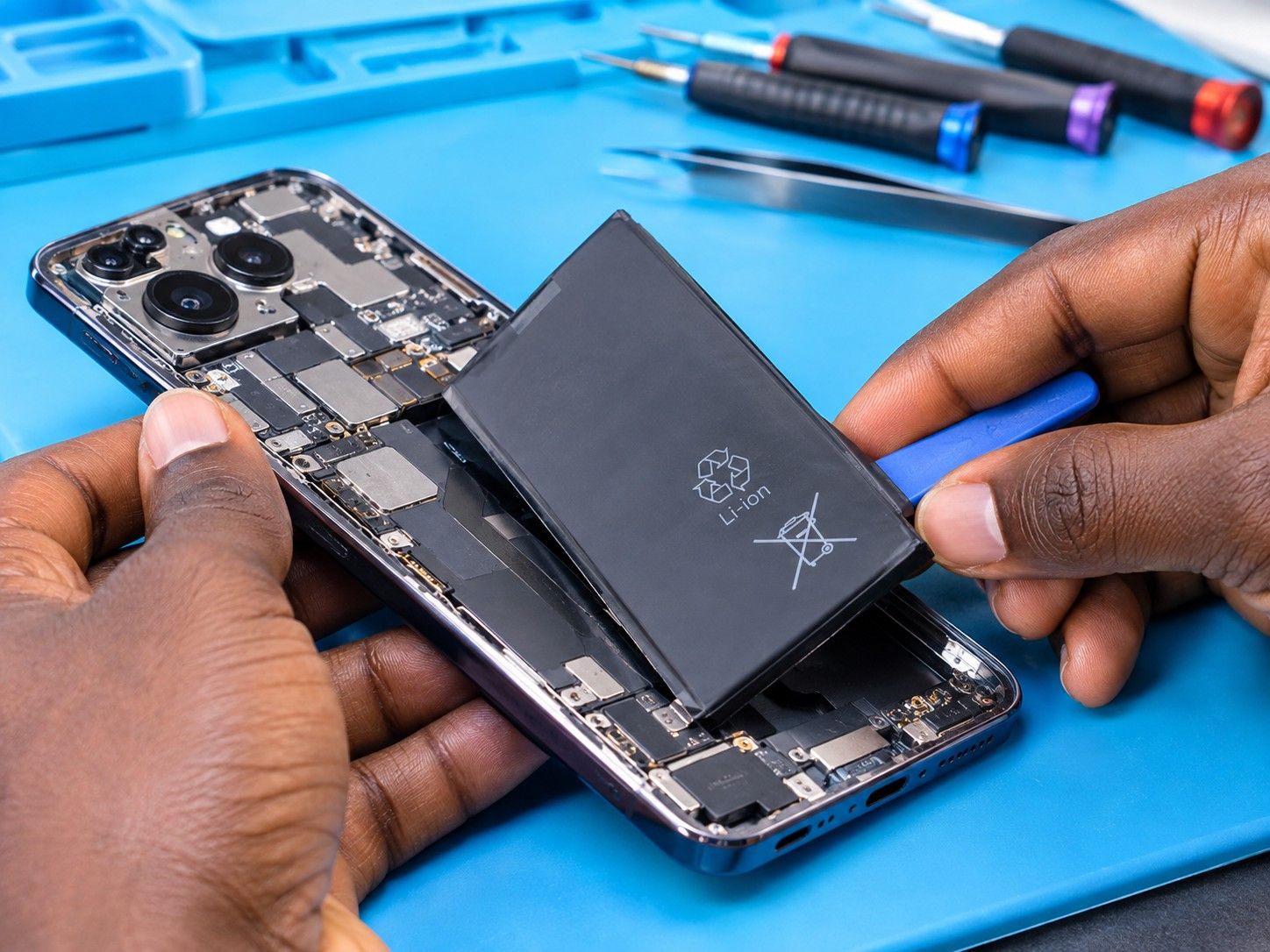
Signs you may notice
- Battery lasts half a day or less
- Big percentage drops in minutes
- Phone warm in your pocket
- Drain worse after an update
Safe checks to try first
- Open Settings > Battery and look for an app using an unusually high share.
- Update all apps and the system software.
- Lower screen brightness and screen-timeout time.
- Check the battery health reading if your phone shows one (iPhone: Settings > Battery > Battery Health).
- Restart the phone; a stuck process can drain the battery.
Stop and bring it in if…
- The battery is swelling
- The phone is hot when idle
- It shuts down at 20–40%
What usually causes it
One symptom can have several causes. These are the most common ones.
Worn battery
Capacity falls with age, usually noticeably after two years of daily charging.
Misbehaving app
An app running in the background constantly.
Weak signal
Searching for network in poor coverage areas uses lots of power.
Hardware fault
A short or failing component drawing current.
What our technicians do
We test the battery's capacity and the phone's current draw while idle. That shows whether you need a new battery, a software fix, or a board-level check.
Request a quotationCommon questions
How long should a phone battery last?
Most batteries noticeably lose capacity after two to three years of daily use.
Other repair guides
- Phone not charging or charging very slowly?Phone doesn't respond when plugged in · Cable only works when held at an angleRead the guide
- Phone keeps restarting on its own?Restarts while you are using it, often under load (camera, games, calls) · Gets stuck on the brand logo and restarts again (boot loop)Read the guide
- Phone dropped in water or had a drink spilled on it?Phone switched off or won't turn on after getting wet · Lines, spots or flicker on the screenRead the guide
- No network, no service or SIM not detected?'No service' or 'Emergency calls only' · 'No SIM' or 'Invalid SIM'Read the guide
- Screen stays black during calls, or you hang up with your cheek?Screen stays black during a call and you can't hang up · Your cheek mutes or ends callsRead the guide
- Callers can't hear you, or you can't hear them?Callers say you sound far away or can't hear you · You can only hear callers on loudspeakerRead the guide
Your Device Deserves Expert Care.
Over 12 years of phone repair experience in Kampala. Tell us what’s wrong and a technician will recommend the right repair. No fix, no fee.