Phone overheating, especially while charging?
Phones get warm while charging or gaming, which is normal. A phone that's hot to touch while idle, or switches off from heat, has a problem worth checking, and sometimes it's a safety issue.
Written by Zojari technicians with 12+ years of phone repair experience
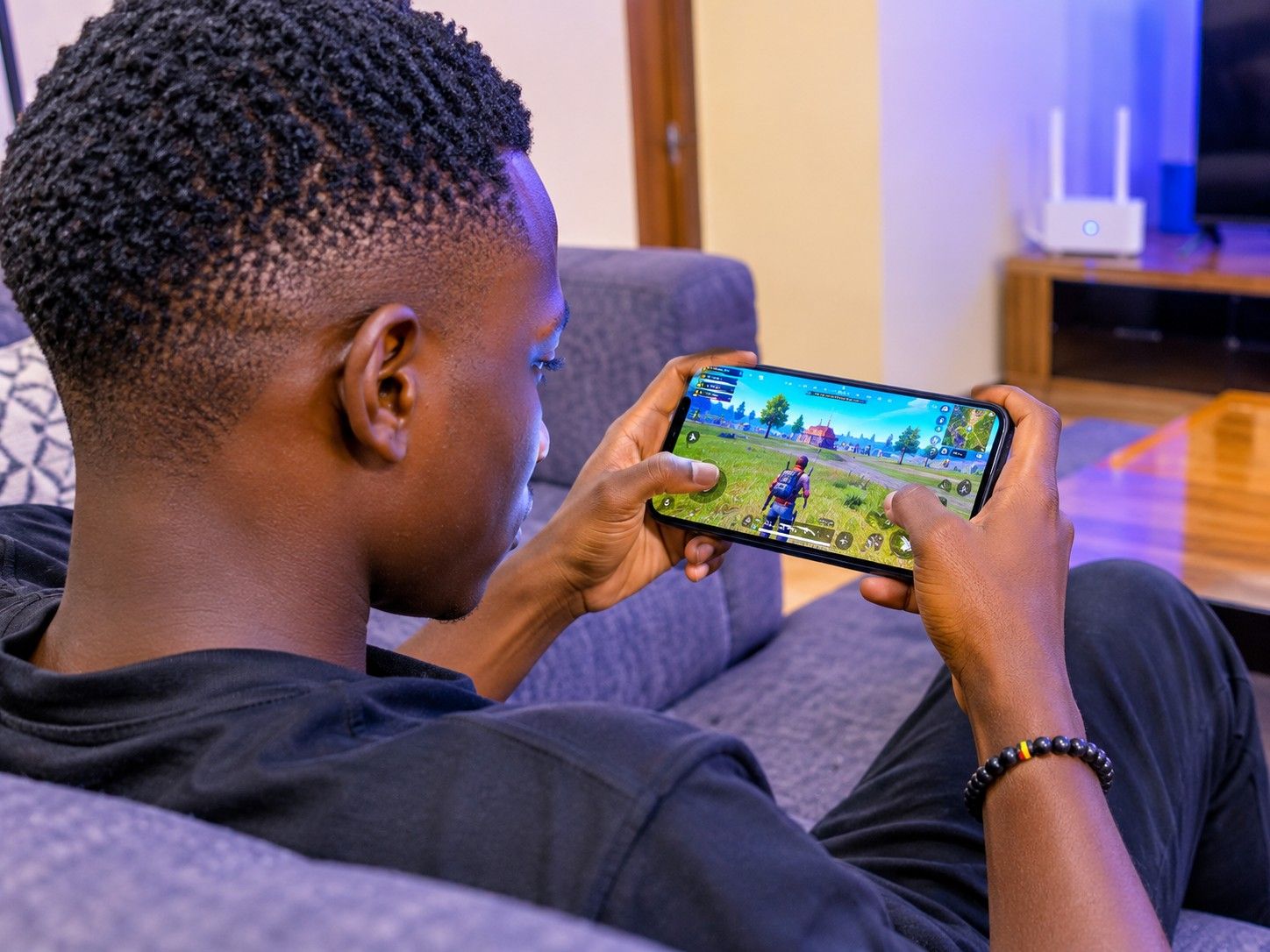
Signs you may notice
- Hot while charging, even with the screen off
- Warm in your pocket when not in use
- Overheating warnings
- Phone slows down or shuts off when hot
Safe checks to try first
- Remove the case while charging.
- Charge on a hard surface, not on a bed or under a pillow.
- Use the original or a good-quality charger and cable.
- Close apps you aren't using, and check battery usage in Settings.
- Keep the phone out of direct sun and hot cars.
Stop and bring it in if…
- The battery is swelling
- The phone is hot while switched off
- You smell burning, or the charging port is discoloured
What usually causes it
One symptom can have several causes. These are the most common ones.
Worn or swollen battery
Damaged cells heat up during charging.
Poor charger or cable
Unstable power stresses the charging circuit.
Short circuit
A failing component on the board can heat up even when idle.
Heavy apps
Games, video and navigation create heat.
What our technicians do
We measure charging current and idle current draw and use thermal checks to find any component heating up. That tells us whether the battery, the charging circuit or the board needs attention.
Request a quotationCommon questions
Is it safe to use my phone while charging?
Generally yes, but heavy use while fast charging creates extra heat. Avoid gaming while charging if the phone gets hot.
Other repair guides
- Phone not charging or charging very slowly?Phone doesn't respond when plugged in · Cable only works when held at an angleRead the guide
- Phone keeps restarting on its own?Restarts while you are using it, often under load (camera, games, calls) · Gets stuck on the brand logo and restarts again (boot loop)Read the guide
- Phone dropped in water or had a drink spilled on it?Phone switched off or won't turn on after getting wet · Lines, spots or flicker on the screenRead the guide
- No network, no service or SIM not detected?'No service' or 'Emergency calls only' · 'No SIM' or 'Invalid SIM'Read the guide
- Screen stays black during calls, or you hang up with your cheek?Screen stays black during a call and you can't hang up · Your cheek mutes or ends callsRead the guide
- Callers can't hear you, or you can't hear them?Callers say you sound far away or can't hear you · You can only hear callers on loudspeakerRead the guide
Your Device Deserves Expert Care.
Over 12 years of phone repair experience in Kampala. Tell us what’s wrong and a technician will recommend the right repair. No fix, no fee.